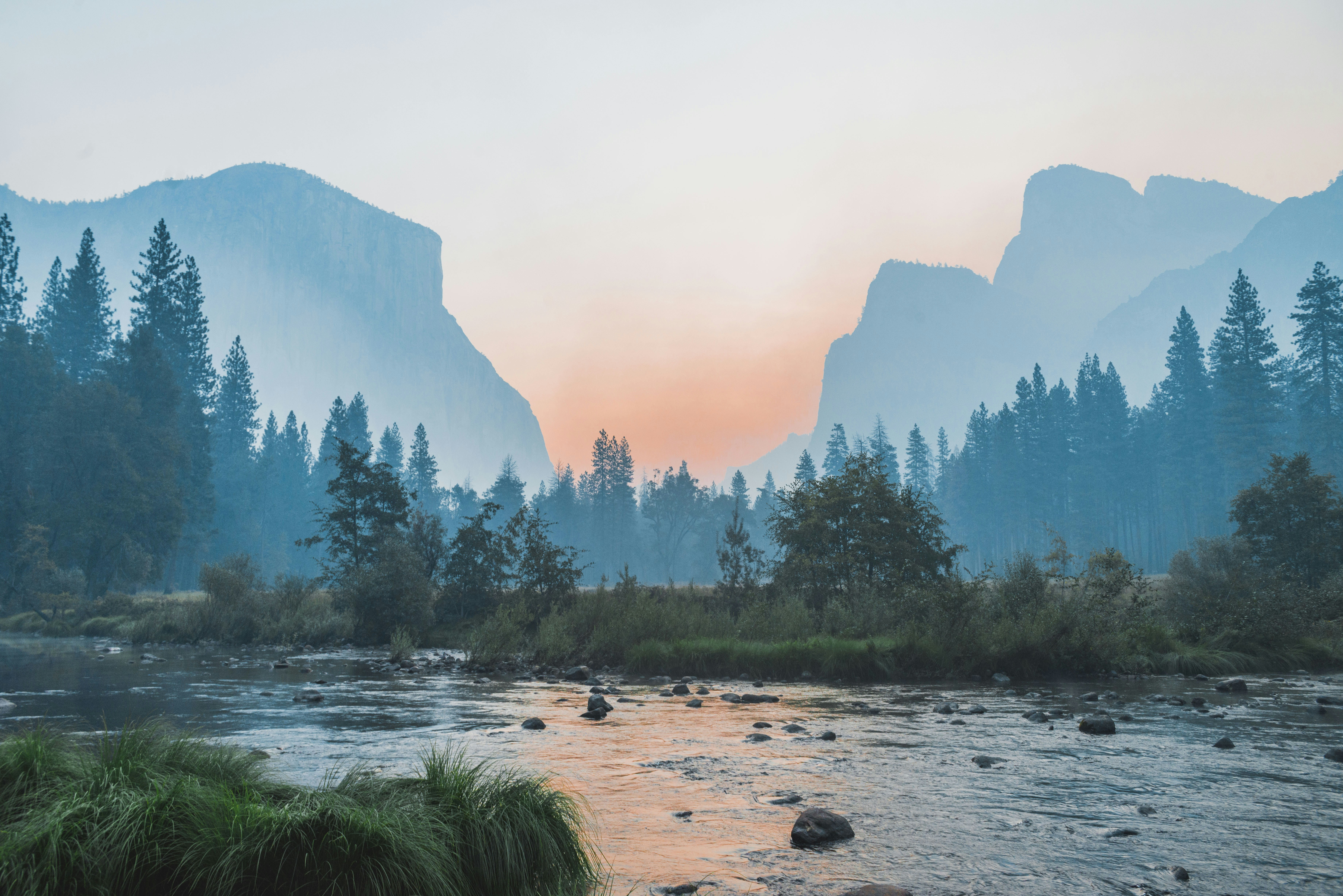
The Advanced Image Filter Generator is a powerful web-based tool that allows users to apply professional-grade visual effects to their images directly in the browser. With an intuitive interface and real-time preview capabilities, this tool empowers photographers, designers, and content creators to enhance their images without requiring complex software like Photoshop.
CSS filters provide a powerful way to apply graphical effects like blur, brightness, contrast, and color manipulation to HTML elements. They offer real-time visual transformations without requiring image editing software or multiple image files.
Core Filter Functions
brightness()
Controls the brightness of the element. Values above 100% brighten, below 100% darken.
contrast()
Adjusts the contrast between light and dark areas. Higher values increase contrast.
saturate()
Controls color saturation. 0% creates grayscale, values above 100% oversaturate.
hue-rotate()
Rotates colors around the color wheel. Values in degrees (0-360°).
Advanced Effects
blur(): Creates gaussian blur effects, perfect for background images or focus effects
drop-shadow(): Adds realistic shadows that follow the element’s shape
grayscale(): Converts colors to grayscale, ideal for hover effects
sepia(): Applies warm, vintage-style color toning
Performance Benefits
CSS filters are hardware-accelerated in modern browsers, making them more performant than JavaScript-based image manipulation or server-side processing.
Browser Support
CSS filters have excellent support across all modern browsers including Chrome, Firefox, Safari, and Edge. For older browsers, consider providing fallback styles or progressive enhancement.
How to Use the Filter Generator
1
Upload Your Image
Click on the upload area or drag and drop an image file (PNG, JPG, or GIF). The image will appear in the preview panel where you can see your filters applied in real-time.
2
Choose a Preset or Customize
Start with one of our carefully crafted presets like Vintage, Dramatic, or Cool Tone. Each preset applies multiple filter values optimized for specific moods and styles.
3
Fine-tune with Controls
Use the individual filter sliders to make precise adjustments. Combine multiple filters for unique effects. Watch the preview update instantly as you make changes.
4
Generate and Copy CSS
Click “Generate Filter” to finalize your settings. The CSS code will be generated automatically. Use the “Copy” button to copy the CSS to your clipboard for use in your projects.
Pro Tips
Combine subtle adjustments for natural-looking effects
Use the Reset button to start over with default values
Test your filters on different images for consistency
Consider performance when using heavy blur effects
Using the Generated CSS
Apply the generated CSS to any HTML element:
/* Apply to images */
img.filtered {
    filter: brightness(120%) contrast(110%) saturate(130%);
}

/* Apply to any element */
.my-element {
    filter: blur(2px) grayscale(50%);
}
Yes, the Advanced Image Filter Generator is completely free to use with no hidden costs or watermarks on your exported images.
Do I need to create an account to use this tool?
No, this tool works entirely in your browser without requiring any registration or account creation.
How are the filters applied to my images?
The filters are applied using CSS filter functions that are processed directly in your browser. Your images never leave your device, ensuring complete privacy.